


 This is a MaxForLive device, so it only works in Live Suite or Live Standard with MaxForLive.
Elisabeth Homeland
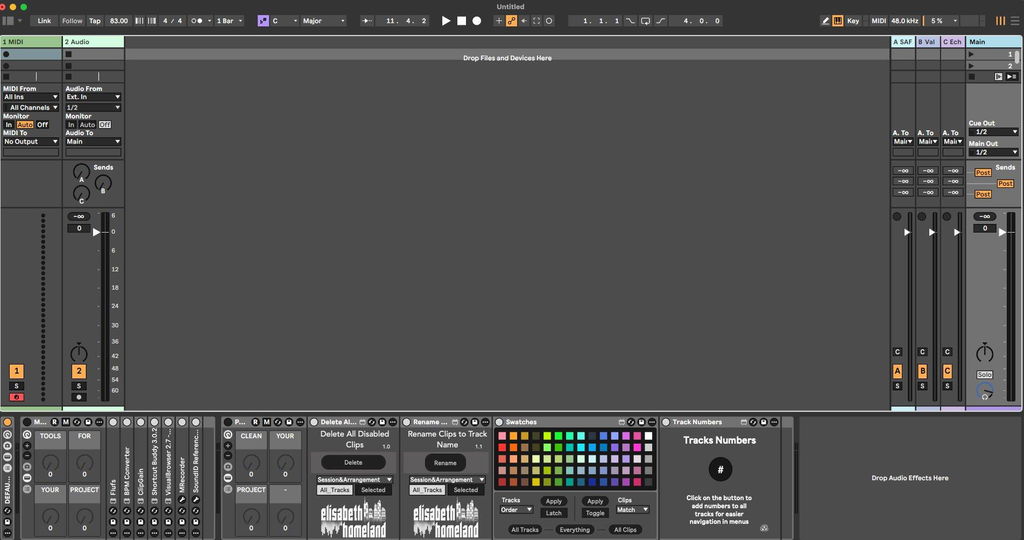
Delete All Disabled Clips
Couldn't load pickup availability
It’s a small, FREE Max for Live utility device that lets you remove all unused muted or disabled clips from your Live set with a single click.
You can decide whether you want to delete all unused clips from
all tracks or only from the selected ones.
You can also choose where it should operate:
Arrangement View, Session View, or both.
The Delete button is keyboard- or MIDI-mappable, and every parameter is accessible from Push.
---
Max for Live devices by Elisabeth Homeland
Compatibility:
| Ableton | Live 11, Live 12, |
|---|---|
| System | Mac, Windows, |


- Place the device or devices in your Ableton Live User Library.
-
Default User Library locations:
- Windows: \Users\[username]\Documents\Ableton\User Library
- Mac: Macintosh HD/Users/[username]/Music/Ableton/User Library
- Live needs to analyze your User Library after adding devices. This process may take some time. In the meantime, you can drag and drop the devices from your User Library onto your tracks.
- After Live finds them, you’ll be able to access them from Live’s Browser.
Version 1.3 - 2026.07.15.
-
Live 12.4.3 changed the timing of when some parameters output their values during Max for Live device initialization. This caused the device to create an unnecessary Undo history step immediately after being loaded into a Live Set. This update fixes the issue.
Version 1.2 - 2026.04.24.
- Stability improvements.
-
Due to a change on the website previous versions can no longer check for new updates. - This version solves the issue.
Version 1.1 - 2026.01.11.
- Modernized-Updated interface.
- Updated User manual.
Version 1.0 - 2024.04.22.
-
Initial Release